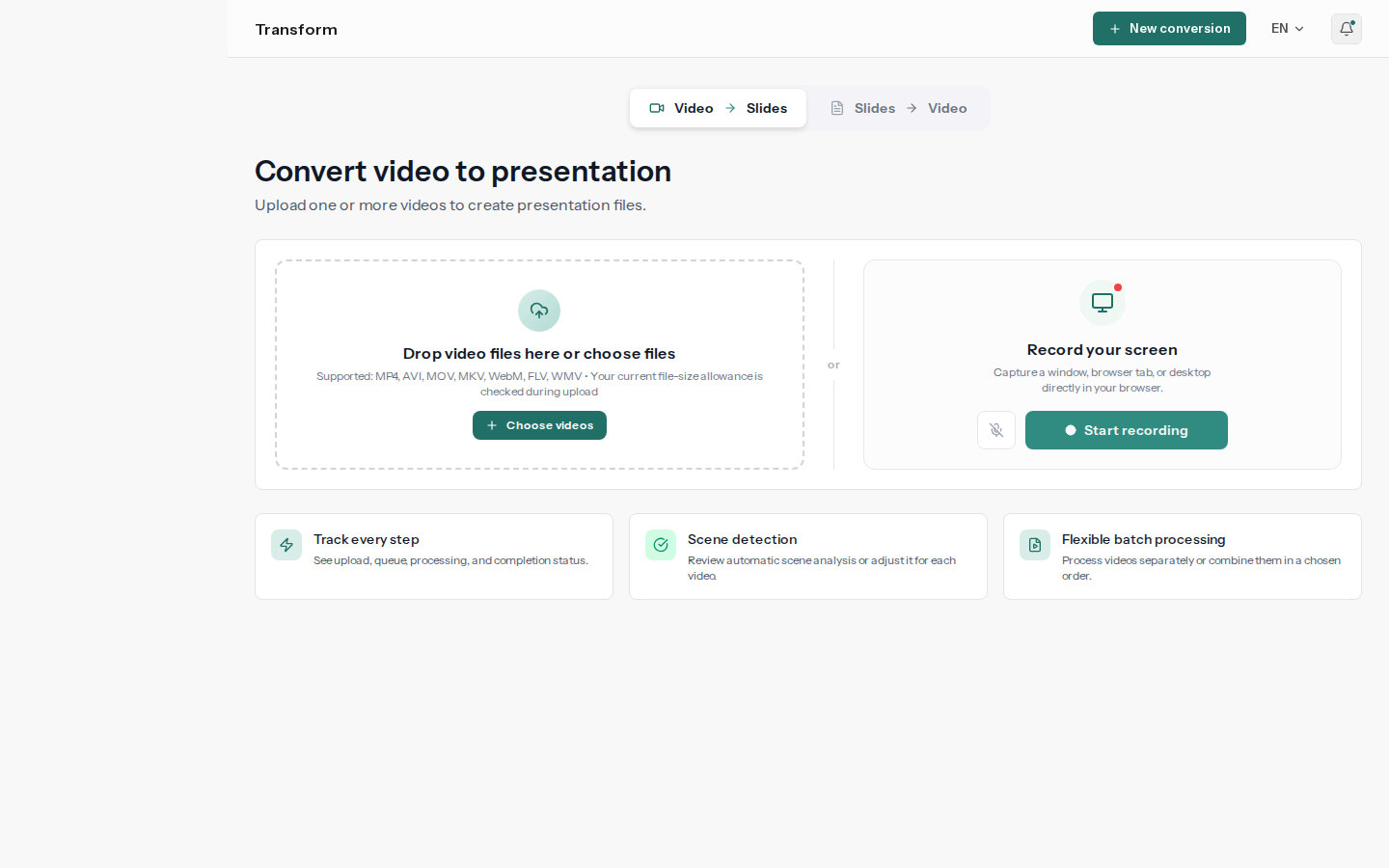
Local video files
Upload from your device
- MP4, AVI, MOV
- MKV, WebM, FLV
- File-size limit shown before upload
- Drag and drop
Upload a lecture, webinar, or screen recording and get a PowerPoint deck that preserves the original visuals and adds editable speaker notes. Have SyncSlide deliver it through Google Slides to your account email, turn an existing presentation into a narrated video with a compatible selectable voice, or try a new slide design before exporting.
See current account and credit options on the pricing page
PPTX
Editable notes and structure
Shareable document export
MP4
Narrated video output
From recording to presentation
Review the preserved slide visual with its connected transcript and speaker notes, then edit the details or export.

Slide visuals
Faithful to the source frame
Transcript and notes
Matched to the slide and editable
Export your way
PowerPoint · PDF · Google Slides
Explore a prepared conversion—no upload required.
Skip manual screenshots, retyping, and timeline editing. Convert, redesign, and narrate in one workflow.
Extract PowerPoint decks with pixel-faithful slide visuals and aligned speaker notes from Zoom or screen recordings—or turn static presentations into narrated video walkthroughs using a compatible selectable voice.
Remove filler words and turn spoken transcripts into clearer speaker notes when you enable text cleaning.
Generate a new slide version from a curated design preset while keeping the original available to restore. Review the redesigned visual and notes before exporting.
Download PowerPoint and PDF outputs, choose delivery of a generated deck to Google Slides, or turn a PPTX or PDF presentation into a narrated MP4. Captured slide visuals remain pixel-faithful images.
Every AI redesign is saved as a new version alongside the original slide. Switch between generated versions or restore the original before exporting.
Upload files from your device, record your screen in the browser, or use recordings created with Zoom, Teams, Loom, and more.
Upload from your device
Record right here
Zoom, Teams, Loom
Screen captures and demos
TLS in transit · provider encryption at rest
Not used for model training · Remove jobs and outputs from the dashboard
From upload to a slide deck or narrated video through a clear workflow.

Choose a video, record your screen, or add a PowerPoint or PDF.

SyncSlide finds distinct visuals, aligns the transcript, and builds your slides—or narrates the speaker notes in an uploaded presentation.

Edit OCR text, transcripts, and speaker notes; reorder, merge, remove, restore, or redesign slides. Export PowerPoint or PDF, send the deck to Google Slides, or generate a narrated MP4 from a presentation.
Choose a workflow for study, teaching, marketing, meetings, or training.
Turn a lecture recording into chronological scene captures with aligned transcripts and editable speaker notes for faster review.
Turn a webinar or product-demo recording into a reusable deck, or turn an existing pitch deck with speaker notes into a narrated video.
Convert Zoom or Microsoft Teams recordings into shareable presentations with aligned transcripts, or narrate slide updates written in a supported language for global teams.
Convert a PPTX or PDF with speaker notes into a narrated MP4. Select a compatible neural voice after the script language is detected.
Upload multiple training recordings, create separate slide decks, or merge related modules into one ordered presentation for onboarding and enablement libraries.
Choose from the options currently available, and review the exact credit estimate before processing.
Choose the option that fits how you plan to use SyncSlide.
Review the currently available pack sizes, prices, and offer details.
Selected features and media length determine the estimate shown before a job begins.
Everything you need to know about the product, privacy, and credits.