Give your slides a voice
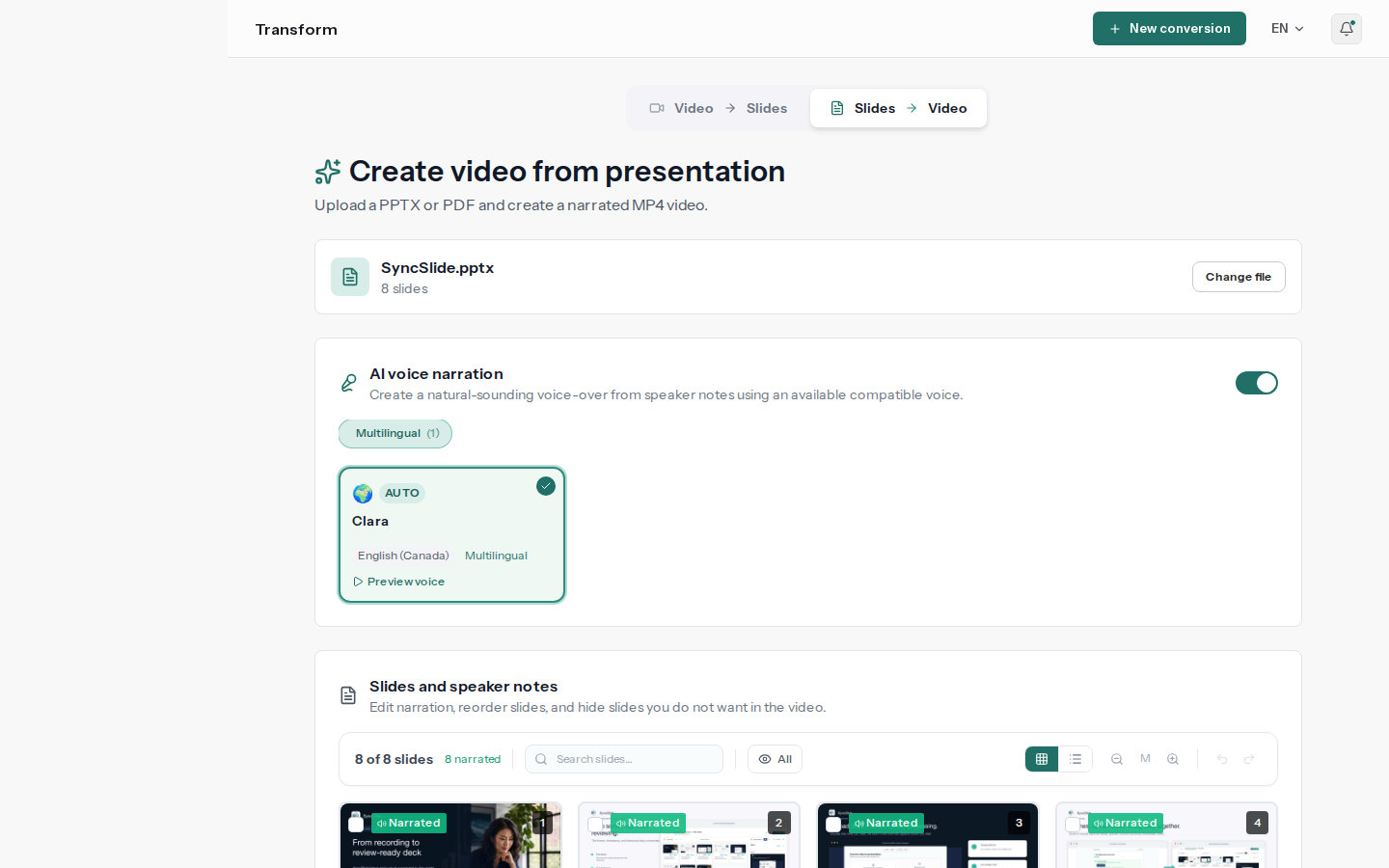
Upload a PowerPoint or PDF. Your speaker notes become the script, you pick a voice, and SyncSlide renders a narrated MP4 you can post anywhere video plays. No microphone, no retakes.
- Voices you pick from a catalog
- Voices matched to the notes language
- Narrated MP4
- No timeline to edit
MP4
Video output
Notes
Become the script
Voice
Your choice
What you get from a deck
A voice without a recording session
Choose from the voices available in the app and skip the microphone, the quiet room and the retakes.
Narration in the language of the notes
Write the notes in the language your audience reads. SyncSlide detects it and suggests matching voices, with a preview before you commit.
Your notes are the script
Narration reads each slide's speaker notes. Tighten the wording in the built-in editor and generate again whenever it changes.
Timing handled for you
Each slide stays on screen for as long as its narration lasts. There is no timeline to drag around.
Post it anywhere video plays
Course platforms, video channels, intranets, sales follow-ups and social posts all take a plain MP4.
The deck you already have, working harder
Onboarding decks, training modules, product walkthroughs and updates become videos people can watch on their own time.
How to turn PowerPoint into a narrated video
Prepare the script, pick a voice, generate
Upload a PPTX or PDF
The slides become the visuals. Any speaker notes already in the file come in as the starting script.
Polish the script and choose a voice
Edit each slide's notes, pick a voice from the catalog, and listen to a preview before you generate.
Generate the MP4
SyncSlide voices the script, times each slide to its narration, and gives you a video to download.