Send a recap, not the recording
Upload a downloaded meeting recording. Every screen share and slide becomes a slide in order, with what was said about it as editable notes. Teammates read it in minutes instead of replaying the hour.
- Zoom, Teams, Meet and Webex recordings
- Discussion next to each slide
- Progress you can watch
- Edit before you share
PPTX
Presentation file
Printable recap
Google Slides
Delivered online
See a real conversion
Watch the source video and download the matching PowerPoint and PDF. Slide screenshots are images; speaker notes and extracted text remain editable.
What you get from a meeting recording
Made for meeting recordings
Upload the file you downloaded from Zoom, Microsoft Teams, Google Meet or Webex. SyncSlide picks out every distinct screen share and presented slide.
The discussion, next to the slide
With transcription on, what people said about each screen lands under it as notes, so decisions sit next to the thing they were about.
Screen shares become slides
The document someone walked through, the dashboard, the demo: each distinct view becomes a slide in the order it appeared.
A recap people can skim
Share a deck instead of a link to a recording. Teammates who missed the call see the visuals and the discussion without scrubbing.
Text from shared screens
Optional text extraction copies legible text from shared documents into an editable field next to the slide.
Edit before it goes out
Drop the small talk, merge the repeats, reorder the rest, and edit notes and transcript before you export.
How to convert a meeting recording to PowerPoint
From downloaded recording to recap deck
Get the recording file
Download the meeting from its platform, or use a recording already saved on your device.
Upload it to SyncSlide
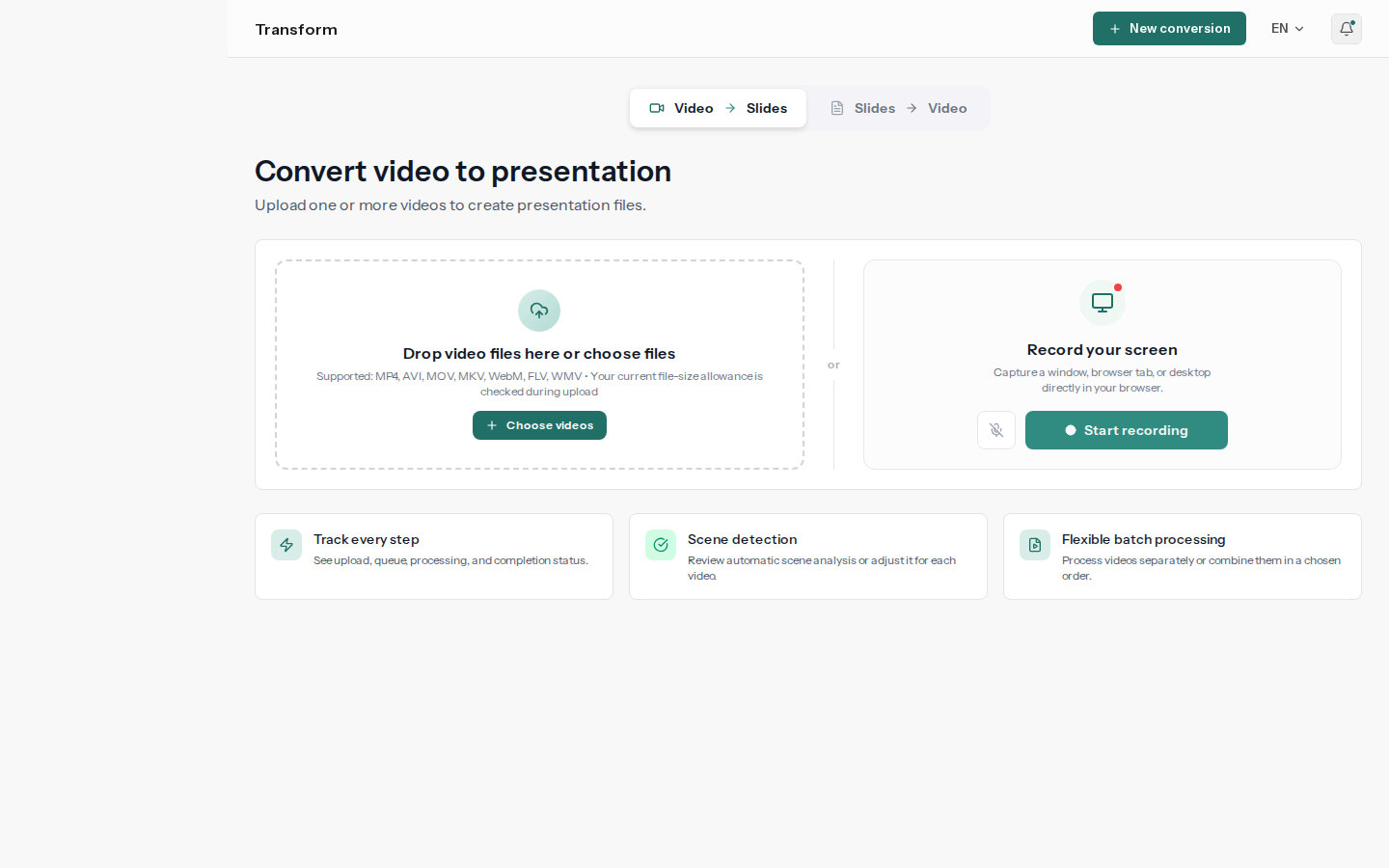
Choose the file in the upload workspace. Transcription is on by default; turn on text extraction when shared documents should be captured as text too.
Review and share the deck
Edit the result, then download PowerPoint or PDF or have it delivered to Google Slides.