The Novel AI Video Generator: Turn PowerPoints into Narrated Videos Instantly
Stop painstakingly recording yourself presenting. Discover our state-of-the-art Presentation-to-Video pipeline that uses Azure Neural Text-to-Speech to synthesize human-quality narration perfectly synced with your slides in minutes.

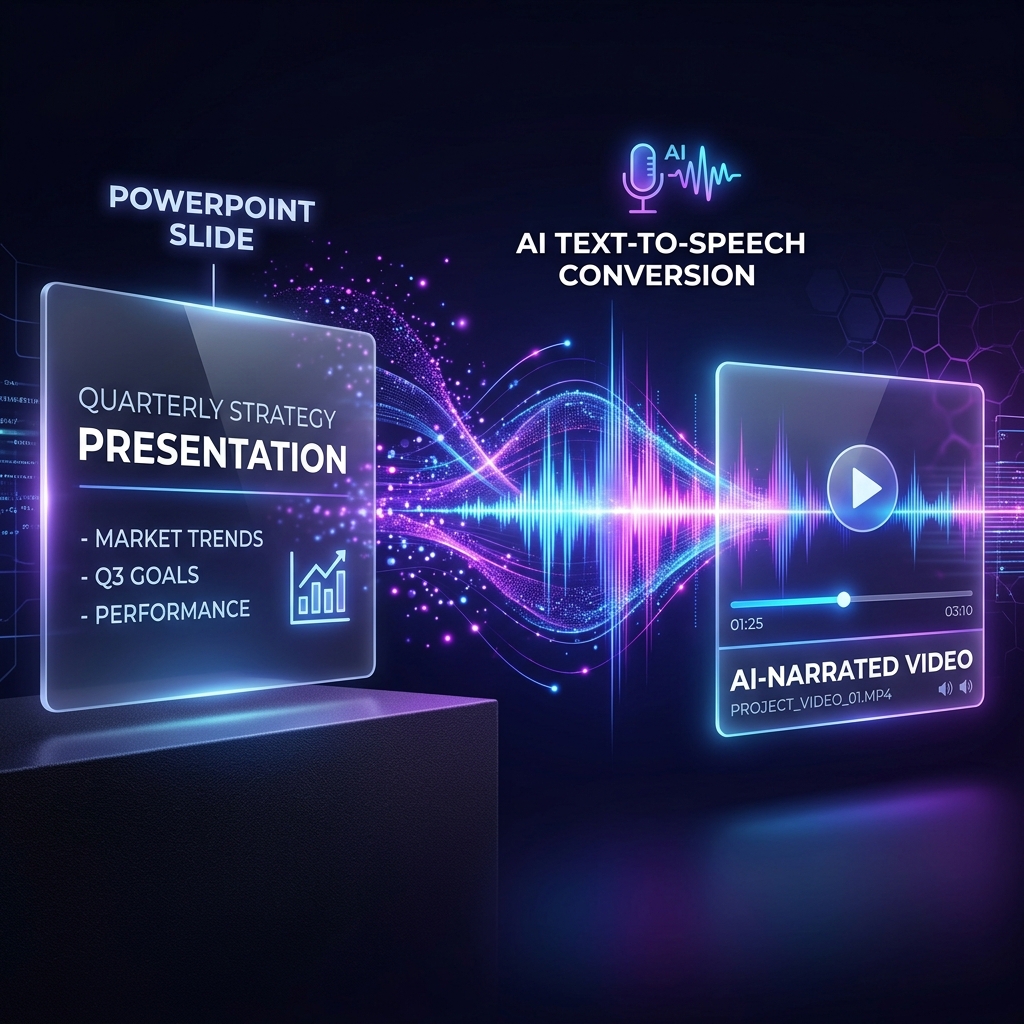
Creating a compelling video presentation has always been a notoriously tedious task.
If you are an educator making digital lectures, a sales rep building automated pitches, or a product manager trying to broadcast a status update, you know the drill: You build your PowerPoint slides. Then, you find a quiet room. You hit record audio hoping your microphone doesn't pick up the noise outside. You painstakingly coordinate your slide transitions while you talk. And if you stutter, you start the whole take over again.
What if you could entirely eliminate the recording phase?
Today, we are thrilled to announce a fundamentally novel workflow for content creators: The SyncSlide Presentation-to-Video AI Engine.
With our latest major update, you can simply upload your existing PowerPoint (.pptx) or PDF document. SyncSlide will automatically extract your speaker notes, synthesize them into broadcast-quality human narration using Azure Neural Text-to-Speech (TTS), and stitch everything together into a beautiful, ready-to-download MP4 video.
A State-of-the-Art (SOTA) Voice Pipeline
When we set out to build a "Slides to Video" converter, we knew traditional robotic text-to-speech engines wouldn't cut it. For a video to command authority, the narration must sound authentically human.
We integrated Microsoft's flagship Azure Cognitive Services Neural TTS architecture directly into our dashboard. This means your text is passed through highly sophisticated deep-learning models that understand punctuation context, emotional pacing, and conversational intonation.
1. 20+ Ultra-Realistic Global Voices
Our Dual-Stack Editor gives you complete, granular control over exactly who is presenting your deck. Are you doing a casual tech demo? Choose Andrew (Casual), featuring a relaxed, conversational American accent. Pitching to a British corporate board? Switch instantly to Ryan or Sonia for sharp, broadcast-quality British English.
We currently support over 20 distinct neural profiles seamlessly integrated out-of-the-box, covering multiple dialects.
2. The Interactive Dual-Stack Editor
Not every slide in a PowerPoint contains perfect speaker notes. Our new Job Editor Dashboard allows you to seamlessly modify the AI's script after you've uploaded your deck.
Did the optical character recognition (OCR) miss something on slide 3? Simply click Slide 3 in the sorter, type your new script into the text field, preview the new narration natively in your browser, and click save.
3. Blazing-Fast Composition
Transforming static images and AI-generated audio into a cohesive MP4 video file requires immense computational power. We massively overhauled our background FFmpeg execution engine specifically for slideshow constraints.
By intelligently bypassing unnecessary frame interpolations and maximizing Azure's V3 multithreading architecture, our backend stitches your finalized slides into video files at breathtaking speeds—routinely compiling 10-slide decks in seconds, not minutes.
How It Works
- Log in to SyncSlide and click "Slides to Video".
- Upload your PowerPoint (
.pptx) or exported PDF. - Select your Voiceover Profile from the dropdown menu (or select Silent Video if you just want a pacing slideshow).
- Our system extracts your speaker notes automatically (or prompts you to write a script on the next screen if your notes were empty).
- Review the slides, hit Generate, and watch the AI synthesize the presentation of your dreams.
Reclaim Your Time
We built the Presentation-to-Video module for one reason: to let you focus on what you want to say, instead of the exhausting mechanics of recording yourself saying it.
Try the Presentation-to-Video AI Engine today and experience the future of digital lecturing, training, and sales.
![The Death of Desktop Recording Software [New Feature]](/images/blog/screen_recorder_cover.png)
![How to Convert Zoom Recordings to PowerPoint [2025 Guide]](/images/blog/dashboard-mockup.png)